
Smarter search starts here.
Navigate with confidence.
CarCompass is a lifestyle-first vehicle decision engine that helps you search, filter, and compare cars using structured data and real specifications.
Instead of starting with dealer listings, we help you quickly narrow down the vehicles that actually fit your day-to-day life, then compare them side by side using structured specs and trusted ratings.
Use this guide to learn the fastest way to:
- Run a precision search
- Use advanced lifestyle filters
- Compare vehicles side by side
- Benchmark against your own car using My Garage
- Save and share your shortlists
- Manage your synced profile
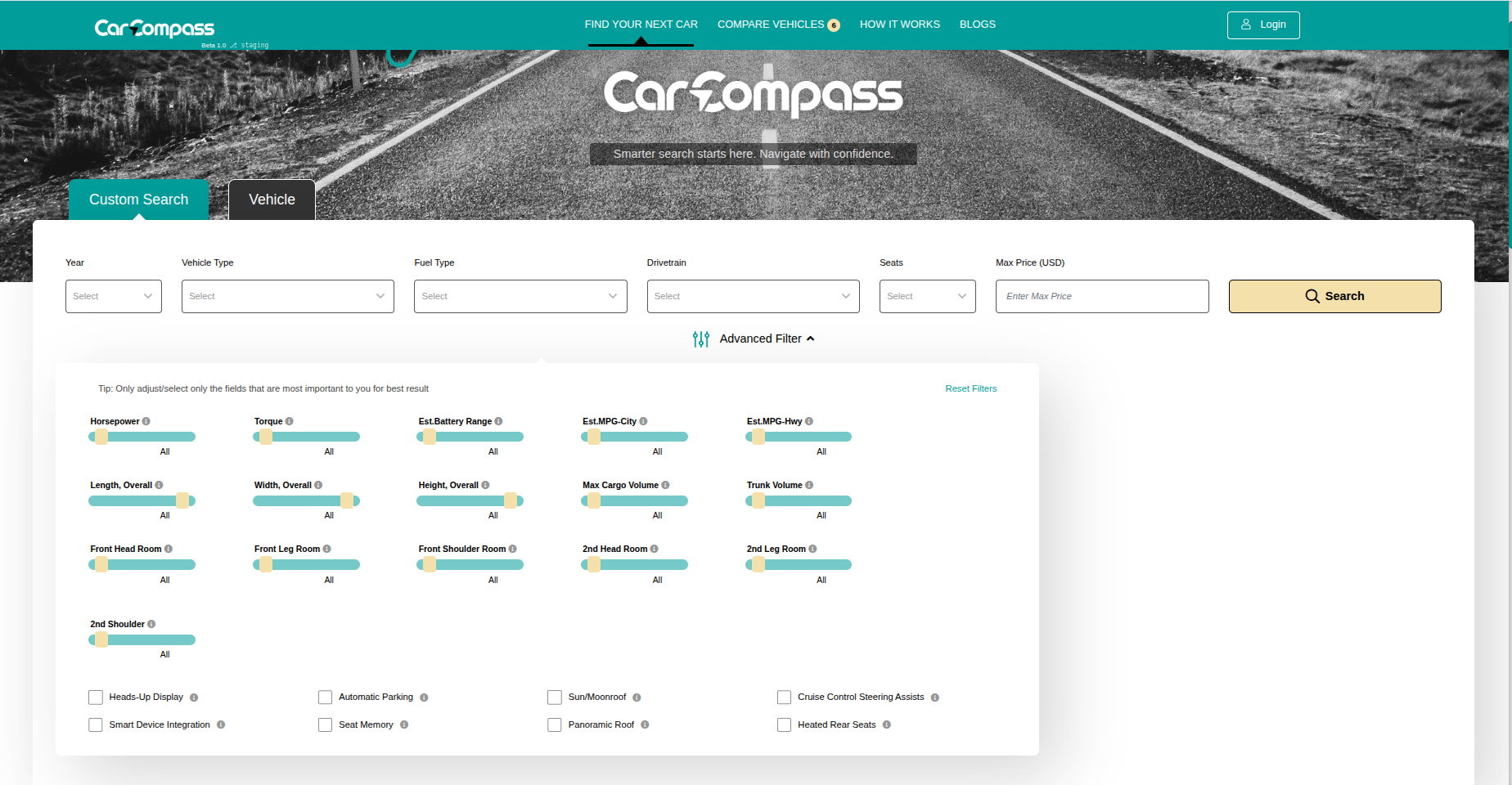
This interface helps you find vehicles that actually match your lifestyle.
Key Features at a Glance
Custom Search & Filters
Filter by the things that matter in real life: interior space, cargo, features, efficiency, drivetrain, and more.
Compare Vehicles
Compare up to 6 vehicles side by side across categories like seating, dimensions, powertrain, and accessories.
My Garage
Add the vehicle you currently own and use it as your baseline to compare against your next car.
Save and Favorite
Save individual vehicles and save searches so you can pick up where you left off.
Create an Account
Register to save your progress and keep your garage and shortlists synced across all your sessions.
How to Use CarCompass
Start with Find Your Next Car
On the home page, start with the quick fields: Year, Vehicle Type, Fuel Type, Drivetrain, Seats, and Max Price. Then hit Search.
If you are not sure on Year, leave it blank. Start with Vehicle Type, Seats, and Price first.

Use Advanced Filters to match your lifestyle
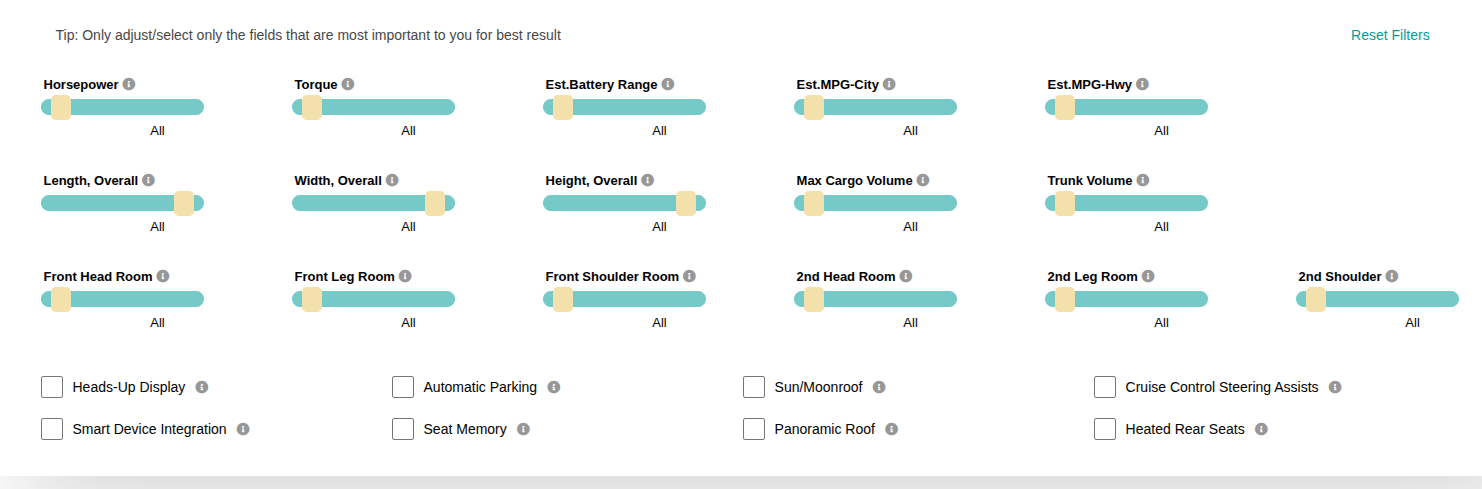
Advanced Filters are where CarCompass shines. Use sliders and checkboxes to reflect how you live, not just what brand you prefer.
Common filters people use first:
- Interior space and comfort: Headroom, legroom, shoulder room
- Cargo volume: Trunk and max cargo
- Efficiency: City/Highway MPG, estimated EV range
- Performance: Horsepower and torque
- Family/Convenience: Heated seats, panoramic roof, parking assist
When you adjust filters, you are reducing overwhelm by removing vehicles that do not fit your needs. That means fewer, better options to compare.
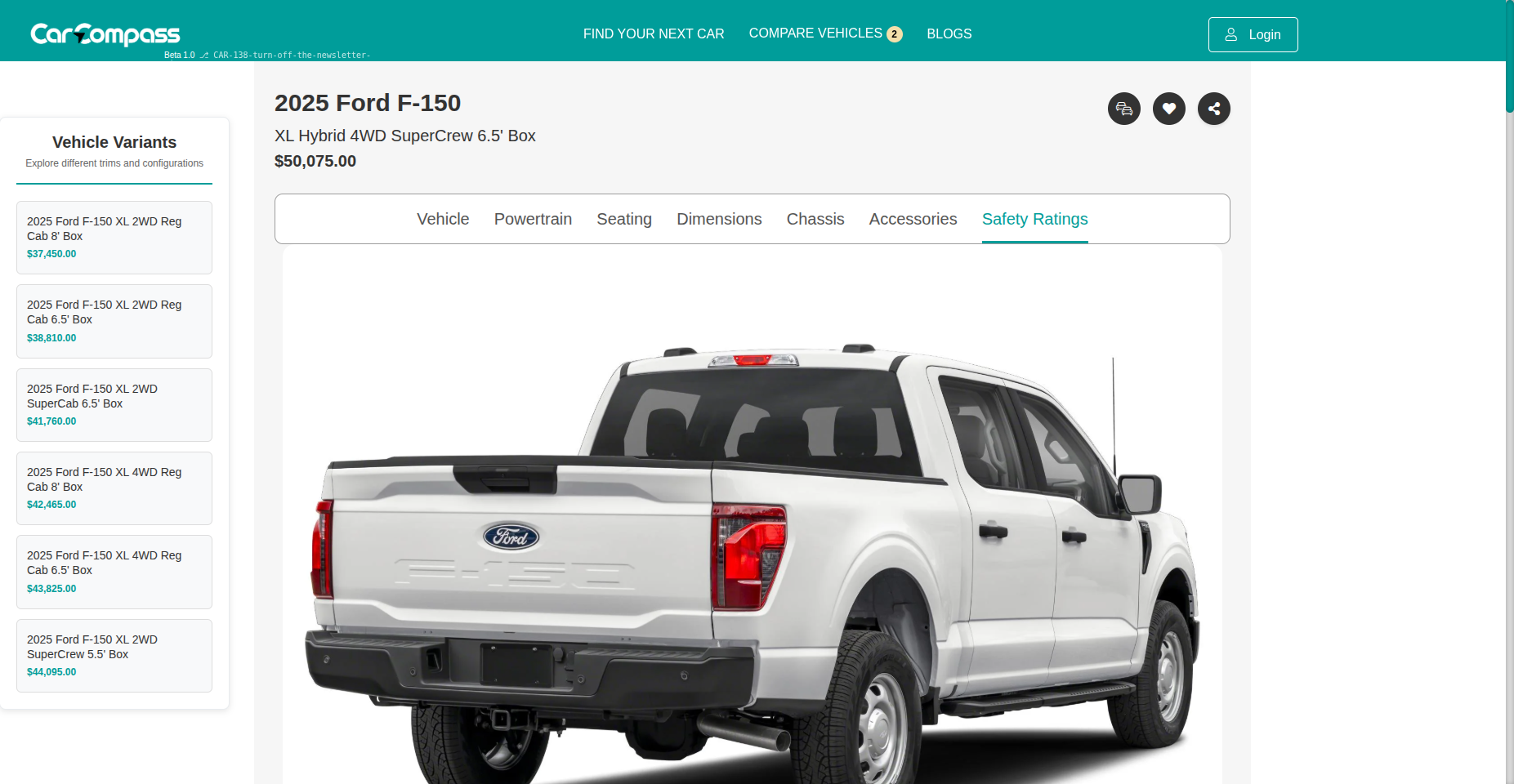
Open a Vehicle Detail Page to sanity check the fit
Click into any vehicle to see its details. This is a good moment to sanity check the big deal breakers: seating, dimensions, cargo, and key features.
View highlights, full specs, and expert performance data in one place.
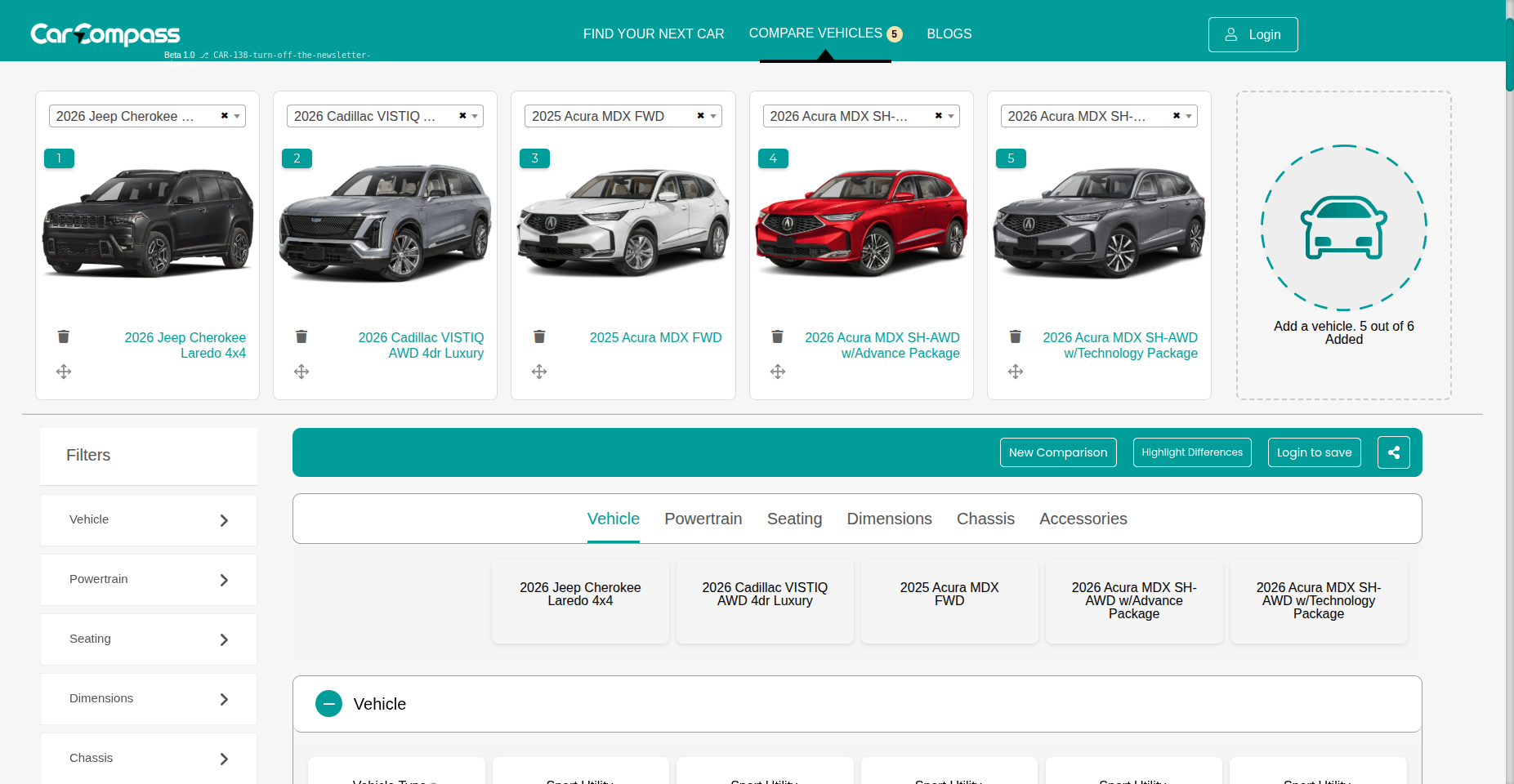
Compare Vehicles side by side
Add vehicles to Compare Vehicles and review them side by side in one structured comparison. This is built for fast, decision-ready comparison across the categories that matter.
What you can compare includes:
- Vehicle basics: Type, MSRP, manufacturer site
- Powertrain: Drivetrain, fuel type, MPG or range
- Seating and comfort features
- Dimensions and interior space
- Chassis and towing where relevant
- Accessories and technology
Benchmark against your current car using My Garage
My Garage is not just a saved search. It is where you add the vehicle you currently own so you can compare it directly against new options.
This helps answer the real question most buyers have: "Is this next vehicle meaningfully better for my life than what I already drive?"
Save vehicles and save searches
As you narrow down, save favorites and save searches so you can come back later. This keeps your shortlist organized and reduces repeat work.
Share your shortlist
Share vehicles, comparisons, or searches with friends or family so they can review and weigh in. This makes it easy to get feedback without sending a dozen links.
Create an account to keep everything in one place
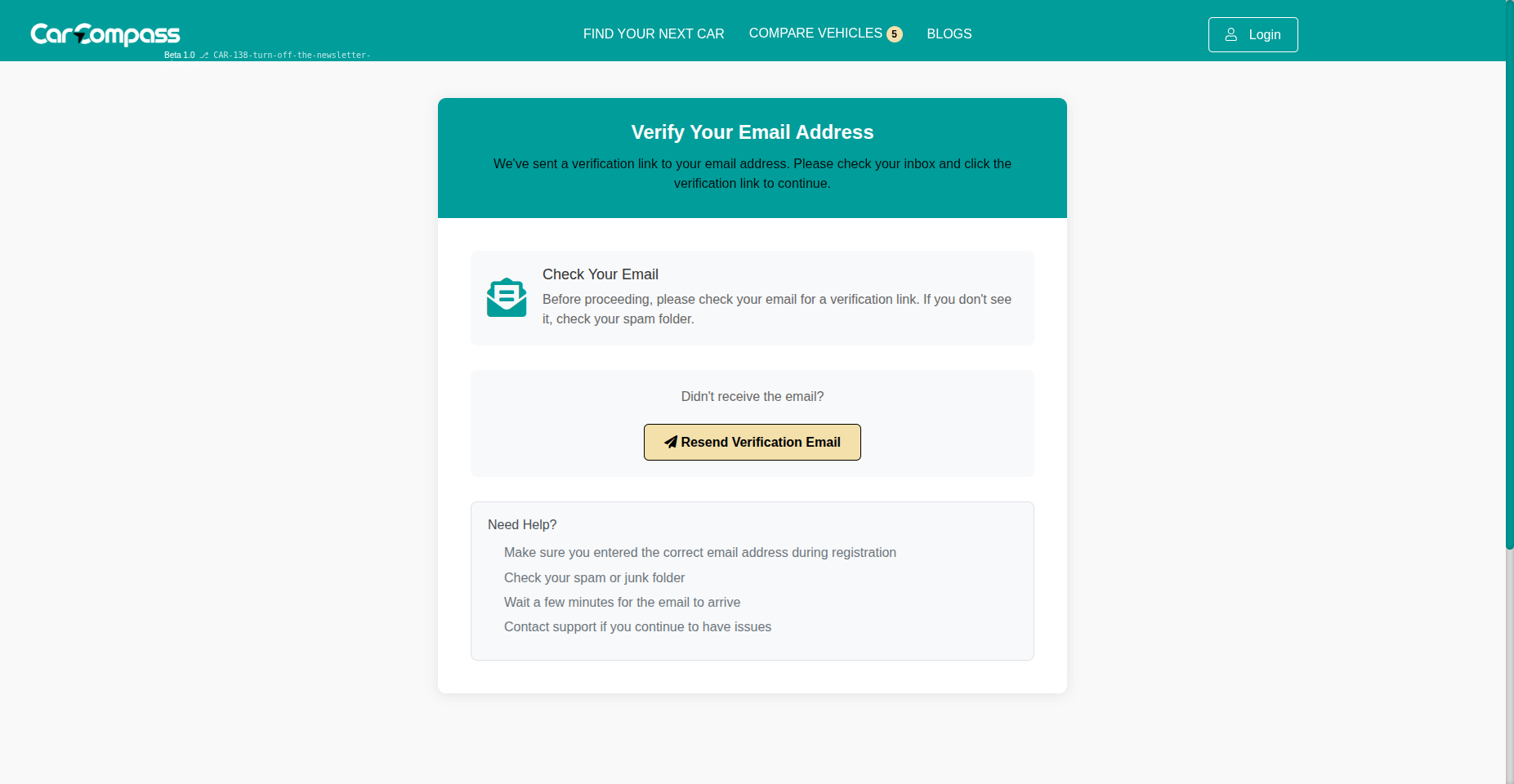
Register to save your My Garage, favorites, and searches. After you register, you may see an email verification step before continuing.
Security and privacy are built into every account interaction.
What makes CarCompass different?
Most car shopping sites are built around dealer inventory and lead forms. CarCompass is built around the buyer.
Lifestyle Search
We help you filter vehicles by space, safety, features, and cost so you can find cars that truly fit your life.
Compare 6 Way
Compare up to six vehicles across dimensions, seating, powertrain, and key features in one place.
Benchmarking
My Garage lets you benchmark your current car against new options so you can make a clear, confident decision.
Have more questions? Visit our FAQ Page